Using AI planner without losing control
AI planners promise magic: dump your chaos, get a perfect day. Reality is messier. The useful version isn't autopilot — it's a thoughtful co-pilot that saves you ten minutes of sorting so you can spend energy on actual work.
Pathflow's AI planner reads your tasks, habits, goals, and work log — then proposes a plan. You approve, edit, or ignore. Always.
What the planner actually sees
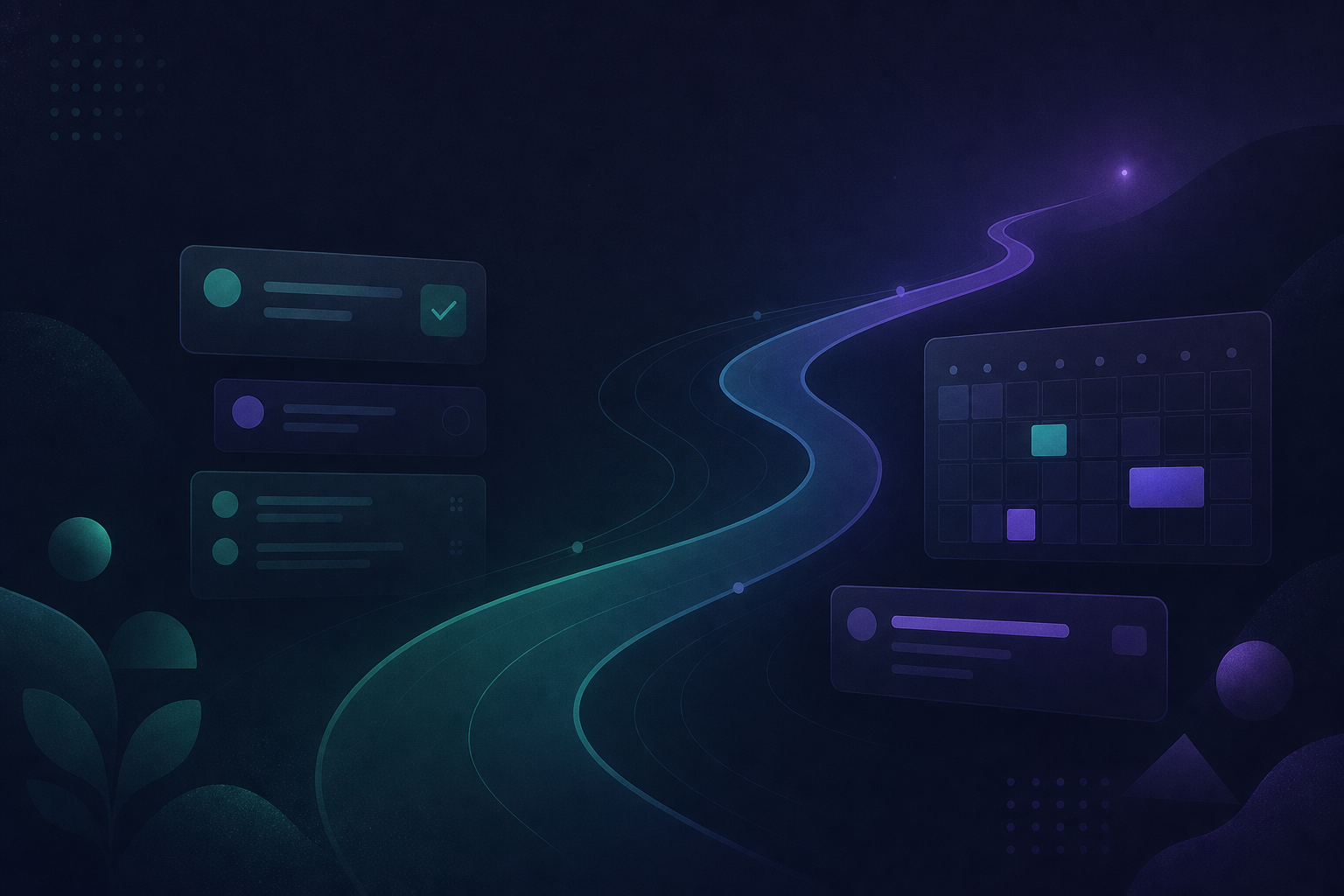
The planner doesn't guess your life from a blank prompt. It uses context you already built:
- Open tasks and their statuses
- Linked goals and habits
- Recent work log entries
- Calendar blocks (when scheduled)
That grounding keeps suggestions relevant — not generic "drink water and network" lists.
A workflow that keeps you in charge
- Capture first — process inbox before asking AI to plan. Garbage in, garbage out.
- Run the planner — review the proposed Today list and time blocks
- Edit freely — remove, reorder, defer. The AI doesn't get offended.
- Pick one focus — even with a full plan, one focus task gets depth
- Log what happened — work log feeds the next plan and weekly review
When to trust vs. override
| Trust the suggestion when… | Override when… | | --- | --- | | It surfaces a forgotten blocked task | It ignores a hard calendar commitment | | It balances goals you linked | It packs Today with 12 items | | It proposes a reasonable order | You know you're low energy today |
You're the editor. AI is the draft.
Reports, not surveillance
Pathflow's AI reports summarize what you logged — wins, patterns, stuck items. They're input for review, not performance scores. Pair with habit tracking and GPS goals for a full picture.
Privacy and scope
AI features use your Pathflow data to help you — not to train public models on your journal. Check our privacy policy for details.
Try it on a real day
Pick a day with a messy backlog. Process inbox, run the planner, keep three items, focus one. See if you saved mental energy — that's the only metric that matters.
Start for free and open the planner when you're ready — not because an app told you to.